
Product Updates – June 2024

🤖 Introducing Shiprocket Co-Finder: Your AI-Powered Co-Pilot for Seamless Support! 🚀.
We are thrilled to announce the beta launch of Shiprocket Co-Finder, our innovative FAQ-based Gen AI co-pilot tailored to support sellers with all their Shiprocket-related inquiries. This cutting-edge tool is designed to streamline your experience.
What Shiprocket Co-Finder Does:
Shiprocket Co-Finder is your go-to solution for answering queries about Shiprocket, assisting with troubleshooting, and offering valuable tips to enhance your shipping and logistics processes.
How Shiprocket Co-Finder Works: Using Shiprocket Co-Finder is effortless—simply pose your questions, and Co-Finder will provide instant, precise responses tailored to your needs.
Join us as we embark on this exciting journey of empowering sellers with enhanced support and guidance through Shiprocket Co-Finder. Get ready to explore a new dimension of convenience and efficiency in managing your shipping needs.
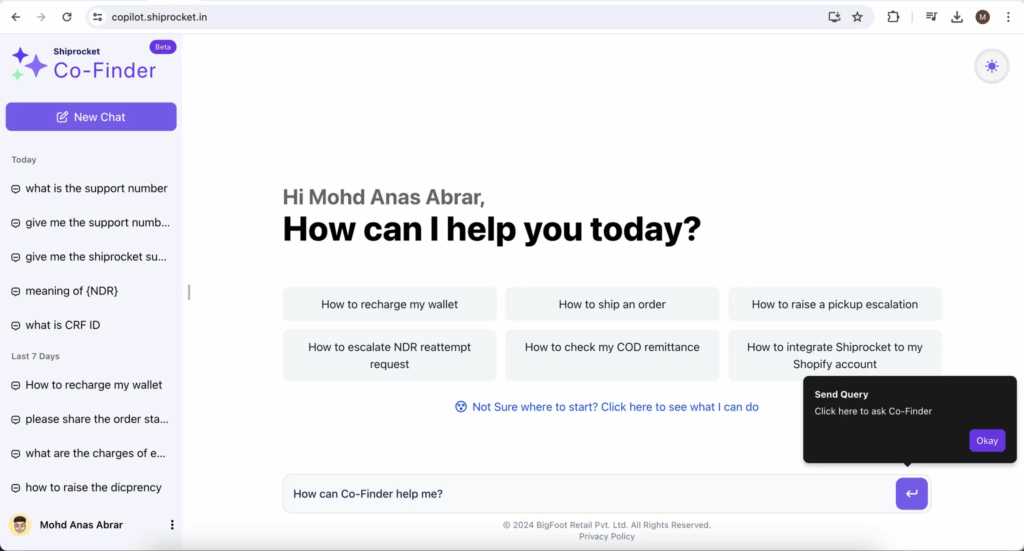
How to use Shiprocket Co-Finder.
- Login to the Shiprocket Seller Panel.
- Click on ‘Co-Finder’ located at the top header of the page, as shown below.

3. Then, you will navigate to the  Shiprocket Co-Finder
🚀 New Quantity Filter for Efficient Order Management.
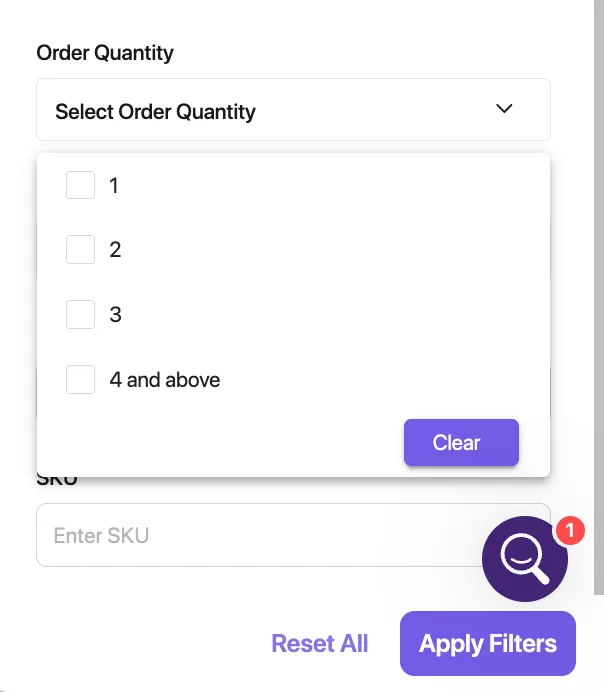
We are excited to announce a new enhancement in the Seller Panel – the Order Quantity Filter This feature has been added to the New Orders tab, providing sellers with an efficient way to manage their orders based on quantity.
With this new filter, sellers can allocate courier assignments more effectively according to the order quantity. This is especially beneficial for sellers maintaining multiple warehouses, as they can now apply the filter for SKU + Quantity and streamline their bulk shipping processes.
Enhance your order management workflow and enjoy a smoother, more organized shipping experience with our Order Quantity Filter.
🔍 Enhanced Courier Rule Setup with Pickup Location Search.
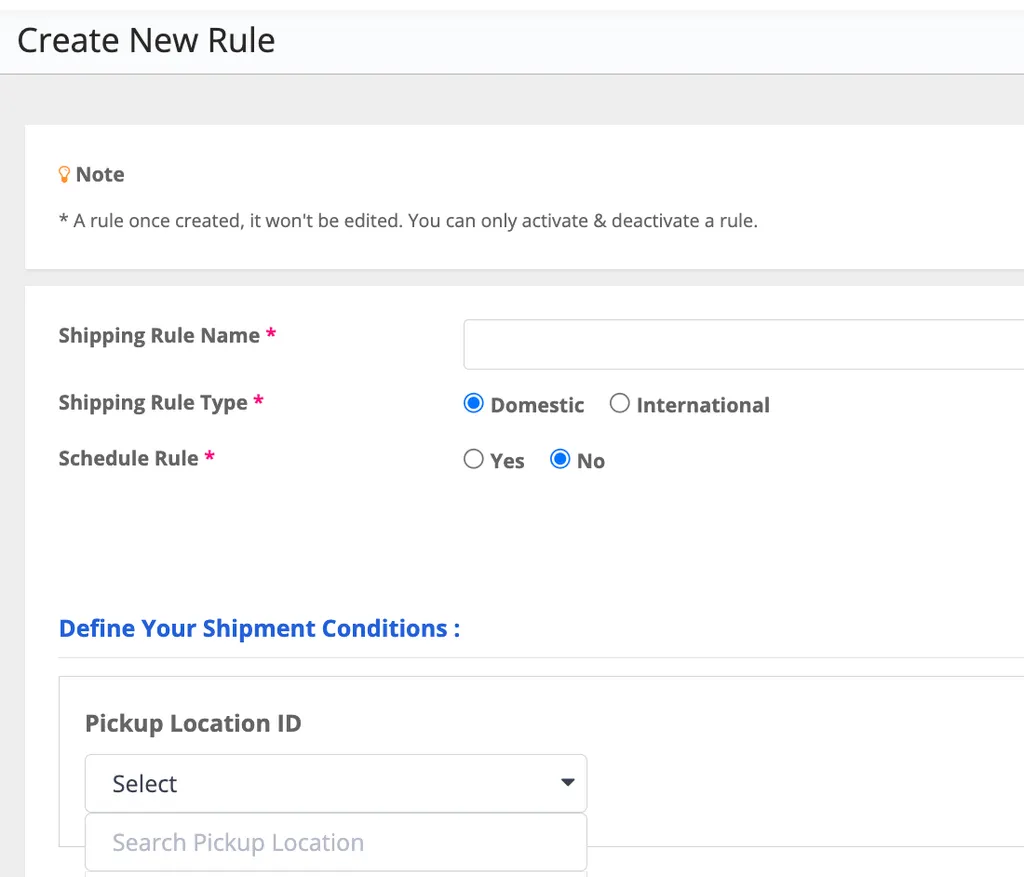
We are pleased to introduce a new feature in the Seller Panel – the Pickup Location ID Search Option for creating courier rules.
To simplify the process for sellers, we have added a search functionality in the drop-down menu. Sellers can now easily search by typing their Pickup Address ID or Pickup Location Name. Additionally, all pickup addresses will be displayed in the same drop-down menu, allowing sellers to either search by typing or scroll through the list.
Page Navigation:
- Left Menu > Settings > Courier > Courier Rules
This enhancement aims to provide a more efficient and user-friendly experience in managing your courier rules.